
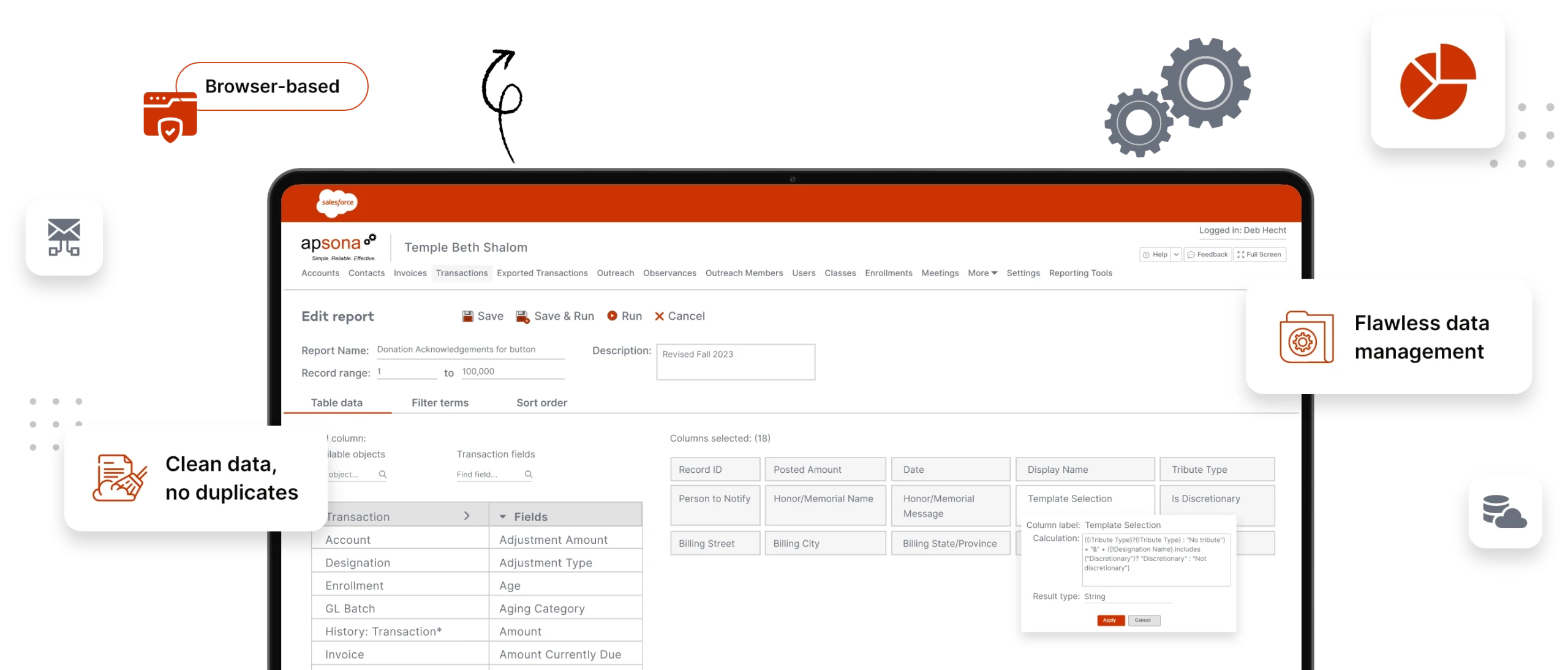










Engaging in back-and-forth between users that can't produce a key analytic from Salesforce data?
“I can't say enough good things about Apsona. It fixes everything that's wrong with Salesforce. It is incredibly intuitive and has made my work infinitely easier.”

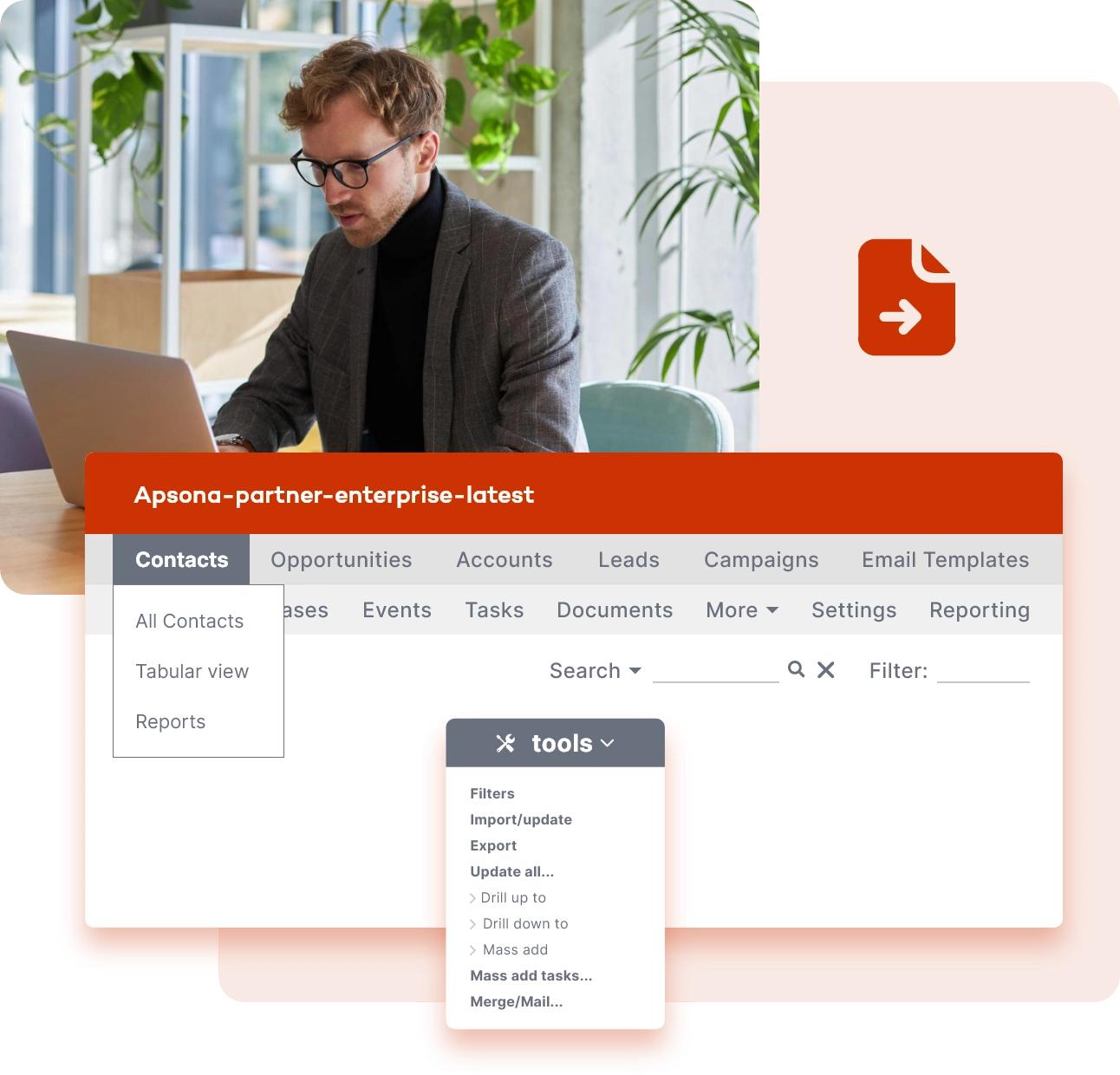
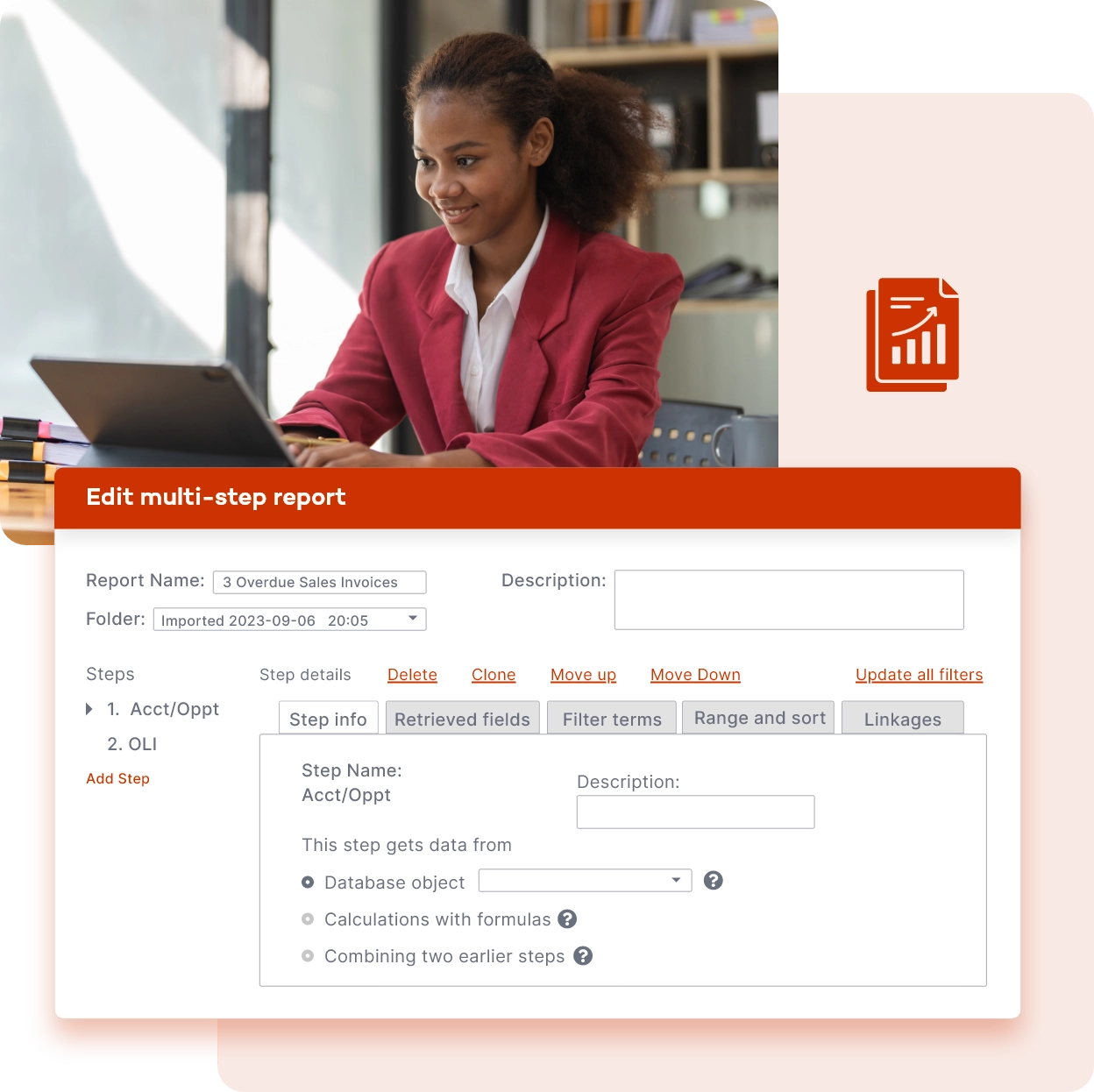
“Extremely powerful and versatile reporting tool. Solves issues that native Salesforce reporting could not touch.”

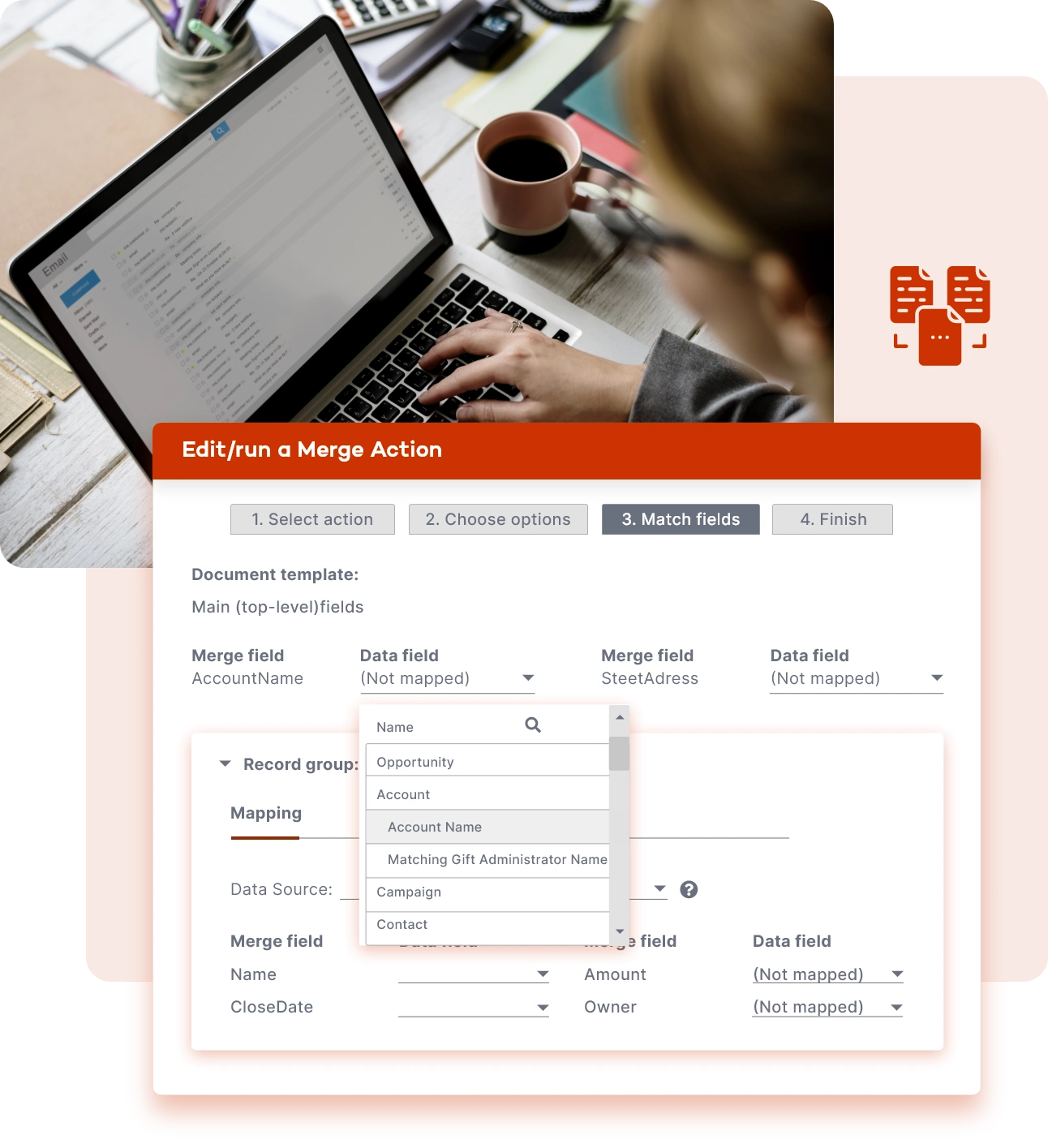
"…we also implemented the document merge and now we can run donation acknowledgement letters with just a few clicks, and it even updates the acknowledgement status on the opportunity."

“I love Apsona for data imports - the ability to match incoming data to existing Salesforce records based on criteria you set is wonderful.”
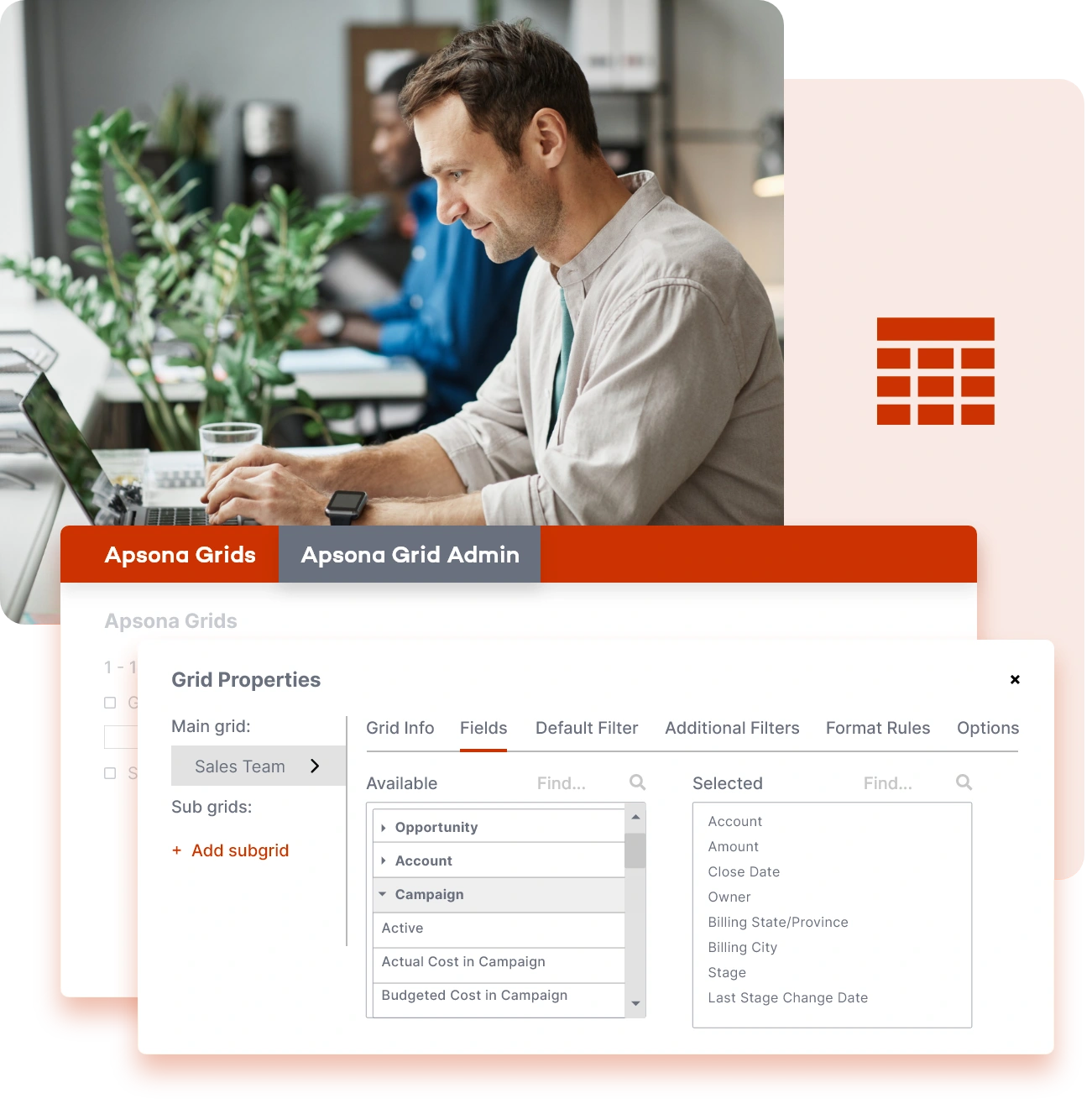
"Exactly what I needed out of a grid solution. Allows me to put the grid where I need it, lightning fast updating of dozens or even hundreds of records."

“We are excited to get all of our complex reports automated and be able to send to both Salesforce and non Salesforce folks in the same email.”
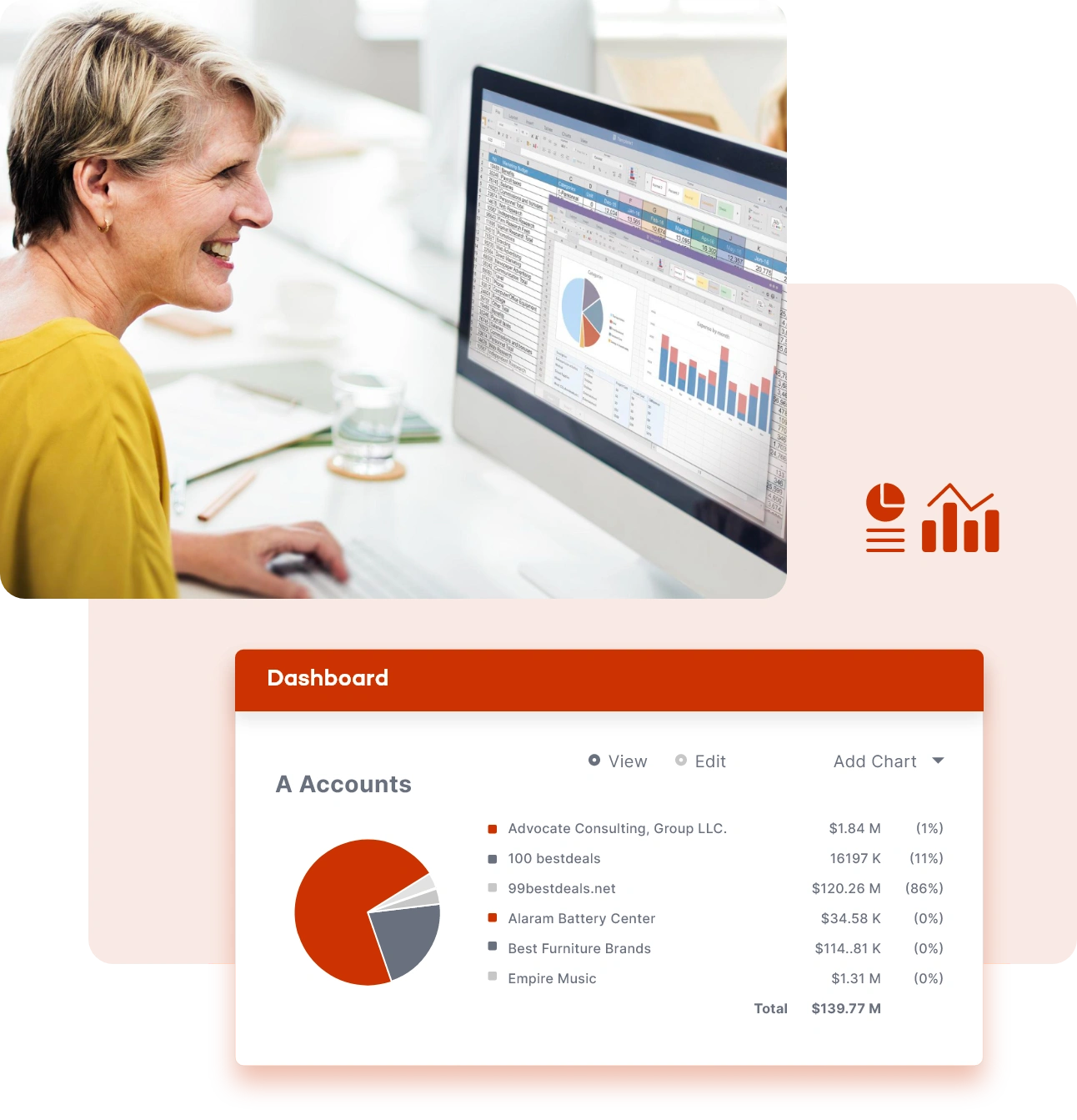
“We started using the Pivot Table Chart in the new Apsona Charts and Dashboards. It's like Salesforce matrix reports with more than two (at least five in our case) row and column field specifications reaching across multiple objects. I'm not sure how we survived without it.”

“Whether I am loading a list of leads, adding contacts to a campaign, or updating records to reflect a new business process I am trying out, Apsona for Salesforce makes the work easier and helps me in my quest for a clean database. The mass-mail capability is also one of my favorites.”
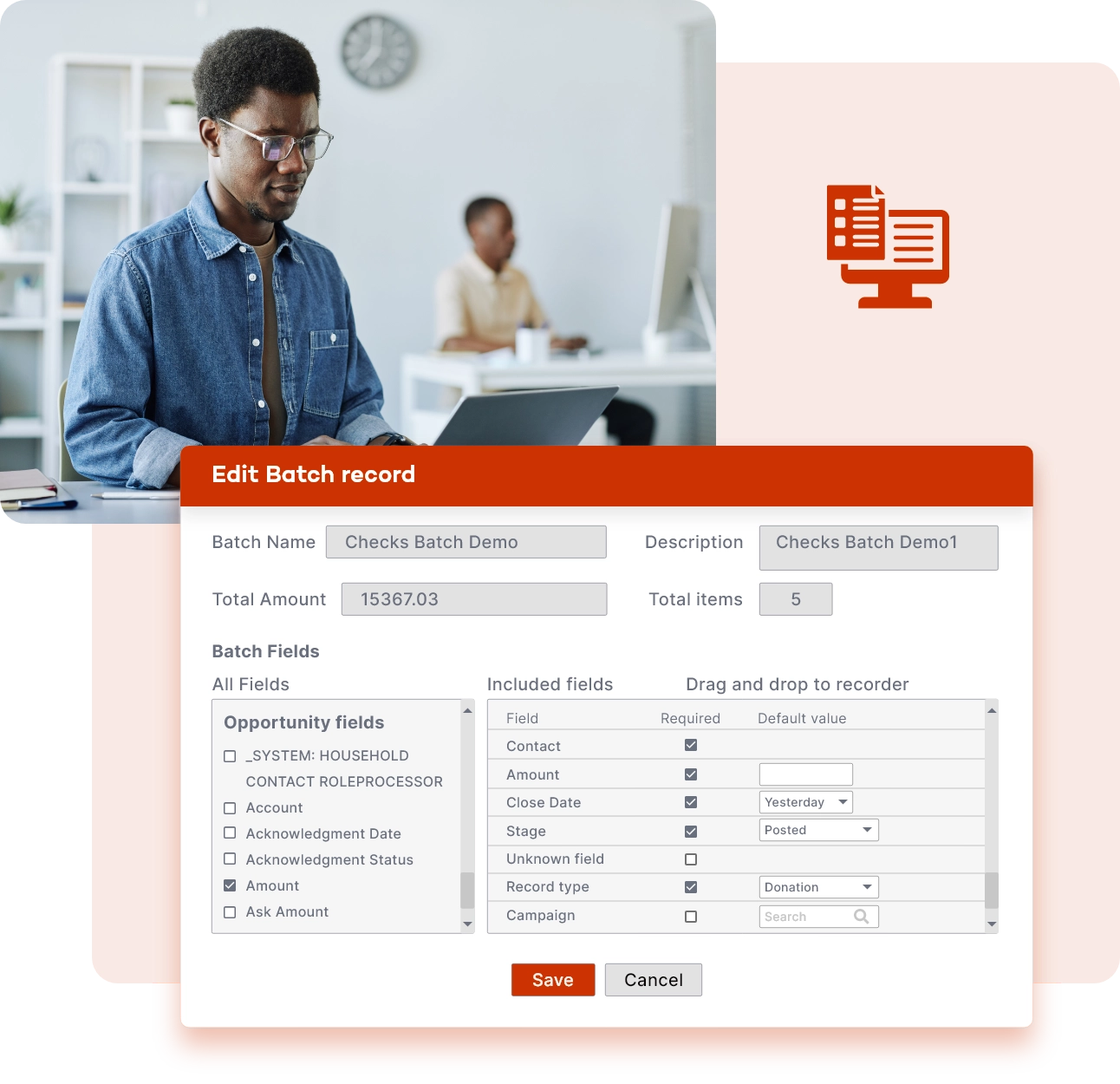
“The batch entry tool is so much better than what Salesforce natively provides with the NPSP package, when dealing with so many givers to one campaign.”


Harness Apsona to master Salesforce data and lead with confidence.

Architect scalable Salesforce solutions effortlessly with Apsona's versatile features.

Elevate your daily Salesforce tasks with Apsona's intuitive and powerful tools.

Empower your clients with Apsona's comprehensive suite, maximizing value and efficiency.